Step-by-Step Guide to Submitting a Notification to UGE-GE
Step 1. Authenticate on the official UGE portal and select the required procedure
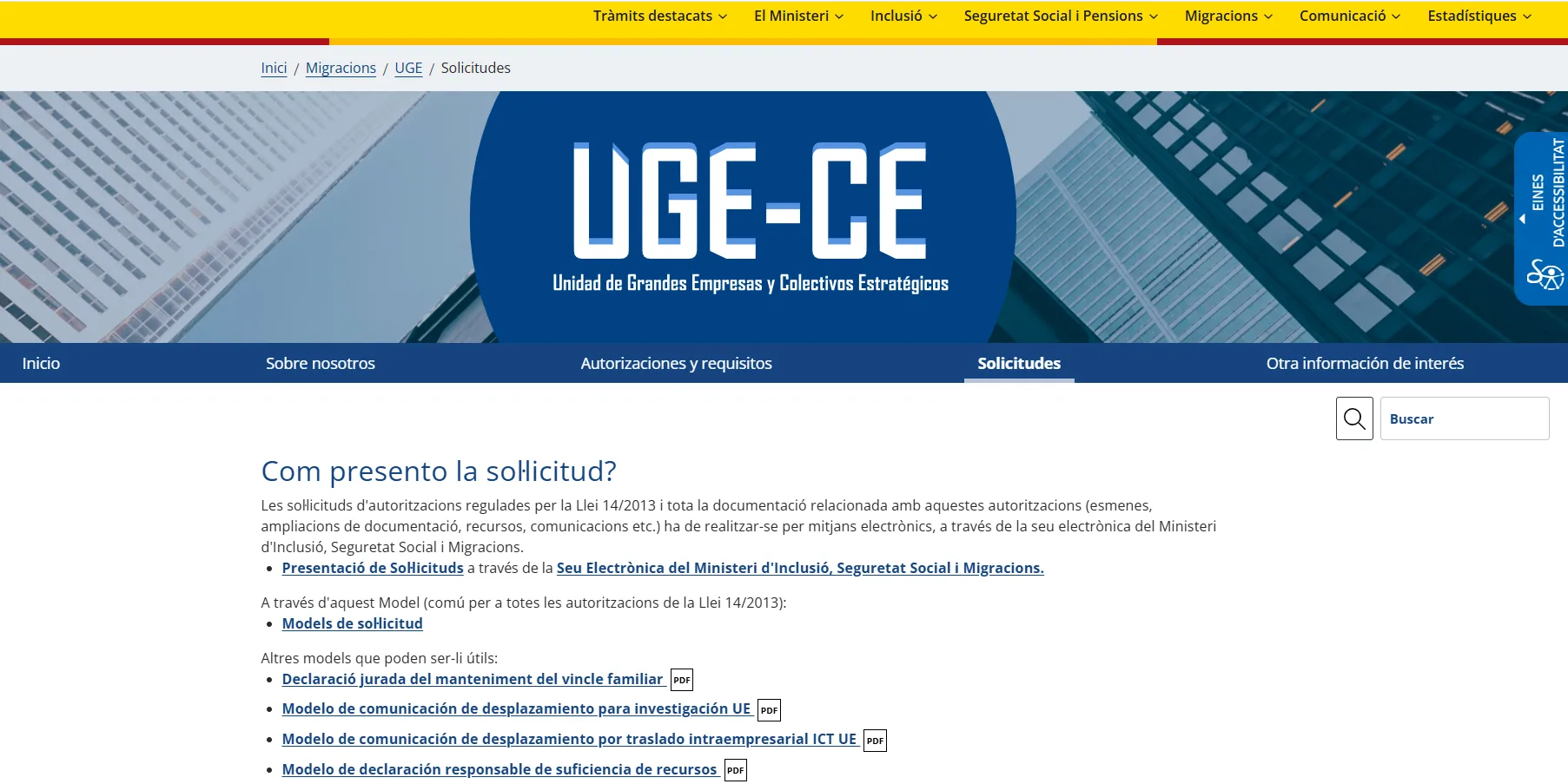
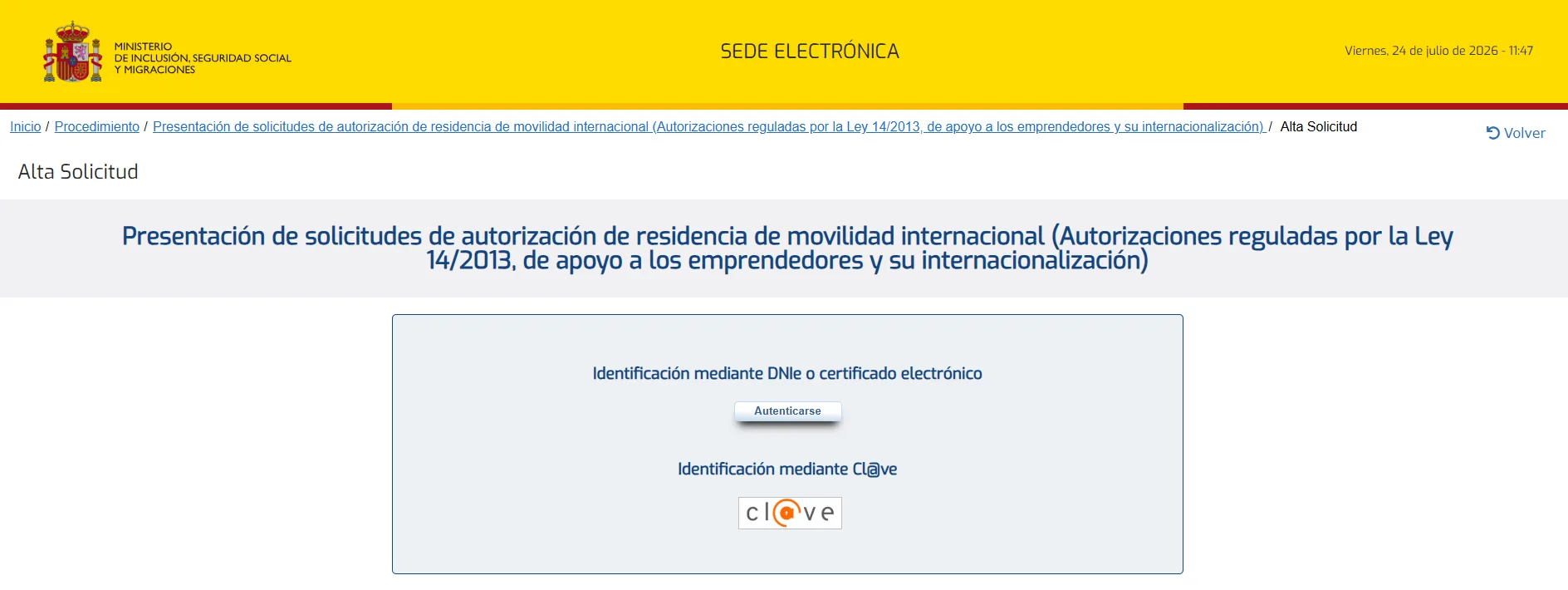
Follow the link: https://expinterweb.inclusion.gob.es/iley11/inicio/elegirTramite.action?tramiteSel=1&procedimientoSel=200&proc=1 and log in to the portal using your electronic certificate or cl@ve:
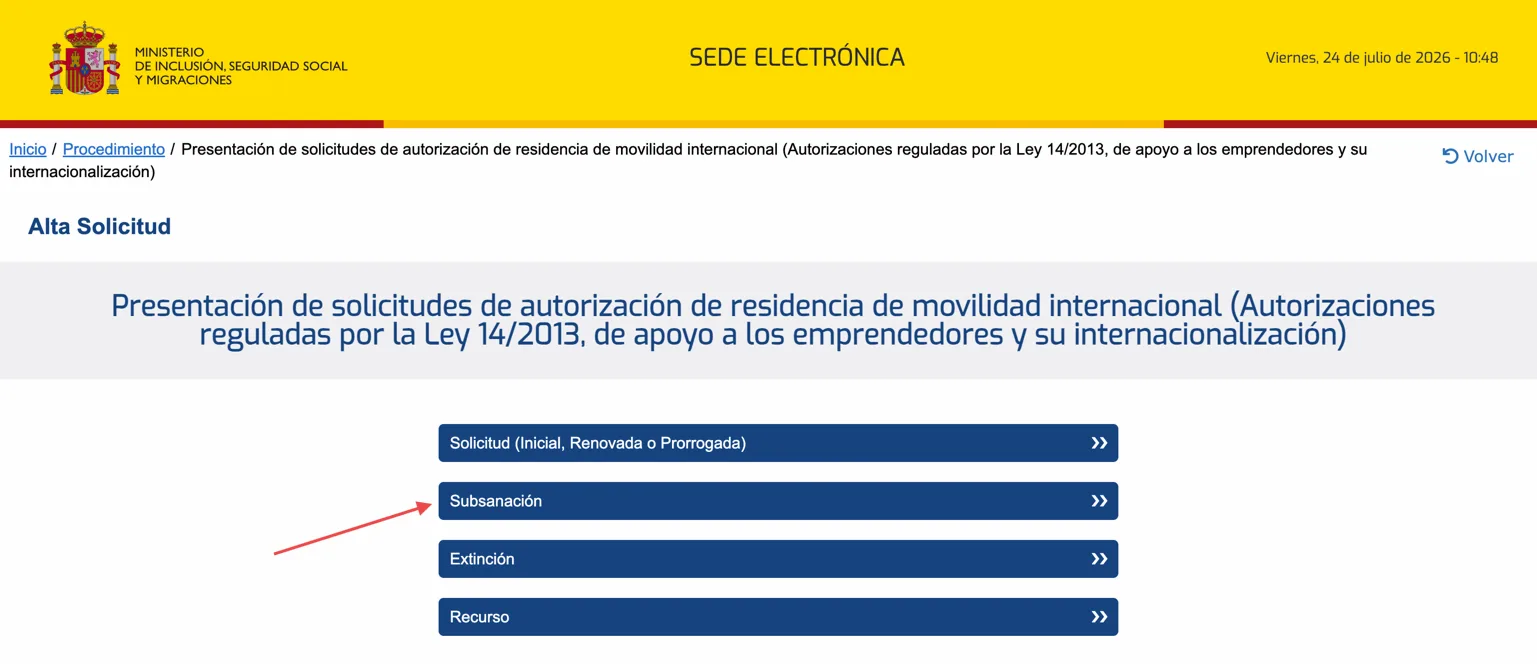
Then in the window that opens, select the Subsanación procedure
Step 2. Fill out the form with your personal data and attach your notification letter
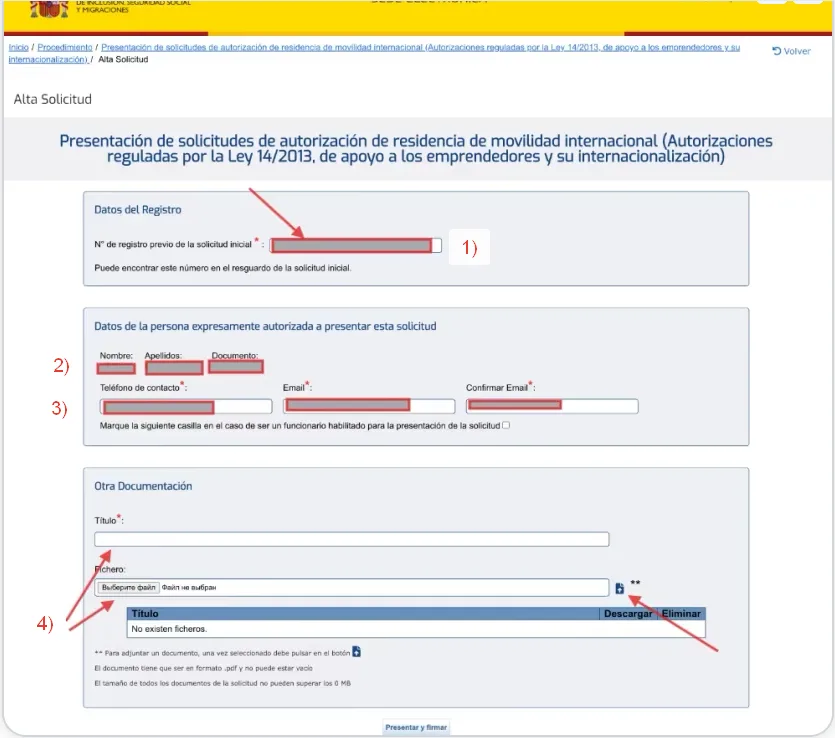
In the opened form, fill in all fields with your data:
Enter your application number from the initial application submitted for residence permit
Check your full name and NIE — they will already be pre-filled after authorization on the portal
Enter your phone number and email
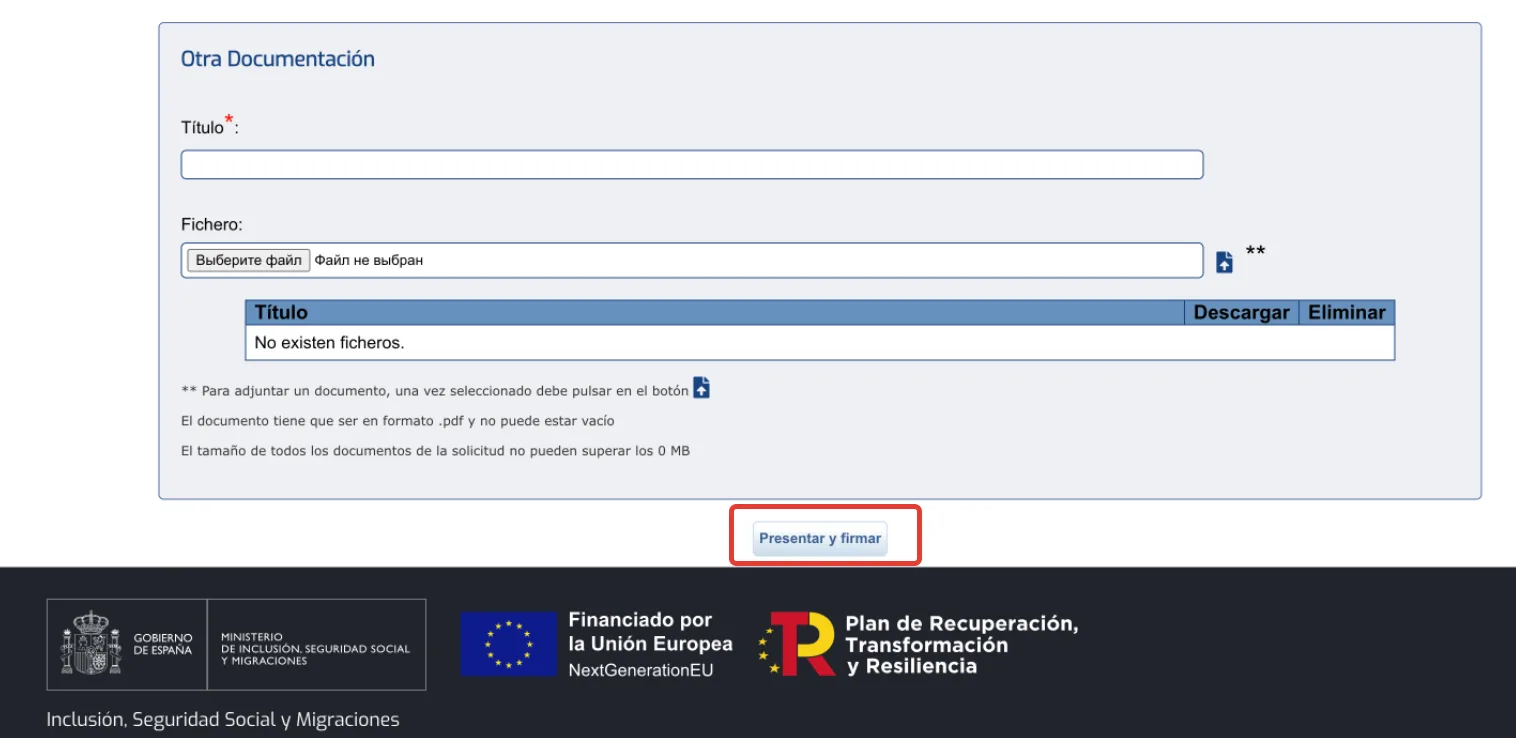
Upload your letter with the notification text in pdf format using the "Choose file" button. Specify the file name (Titulo) and click on the blue upload button on the right.
Step 3. Send the letter and download the submission confirmation
After filling out the form and attaching the document, click on the Presentar y Firmar button. Your notification to UGE has been sent! Download the submission confirmation for yourself.